Welcome To Tekla Online Course
A Comprehensive Guide To All
With the vast experience, it has become a second nature to offer customized training services to meet any skill level from Basic to Experienced. If you’re looking to enhance your knowledge of Tekla Structures, improve your efficiency on the platform, and get the most out of your investment, you’ve come to the right place.
We can help you explore and master the various realms of this software, boost your confidence within the platform, and help your career / business reach new heights of success…
Our Courses
START NOW AND UNLOCK YOUR POTENTIAL WITH THE COURSE
To Thrive In Any Project, You Must Build Your Skillset By Learning Potential And Hidden Features Of Tekla Software
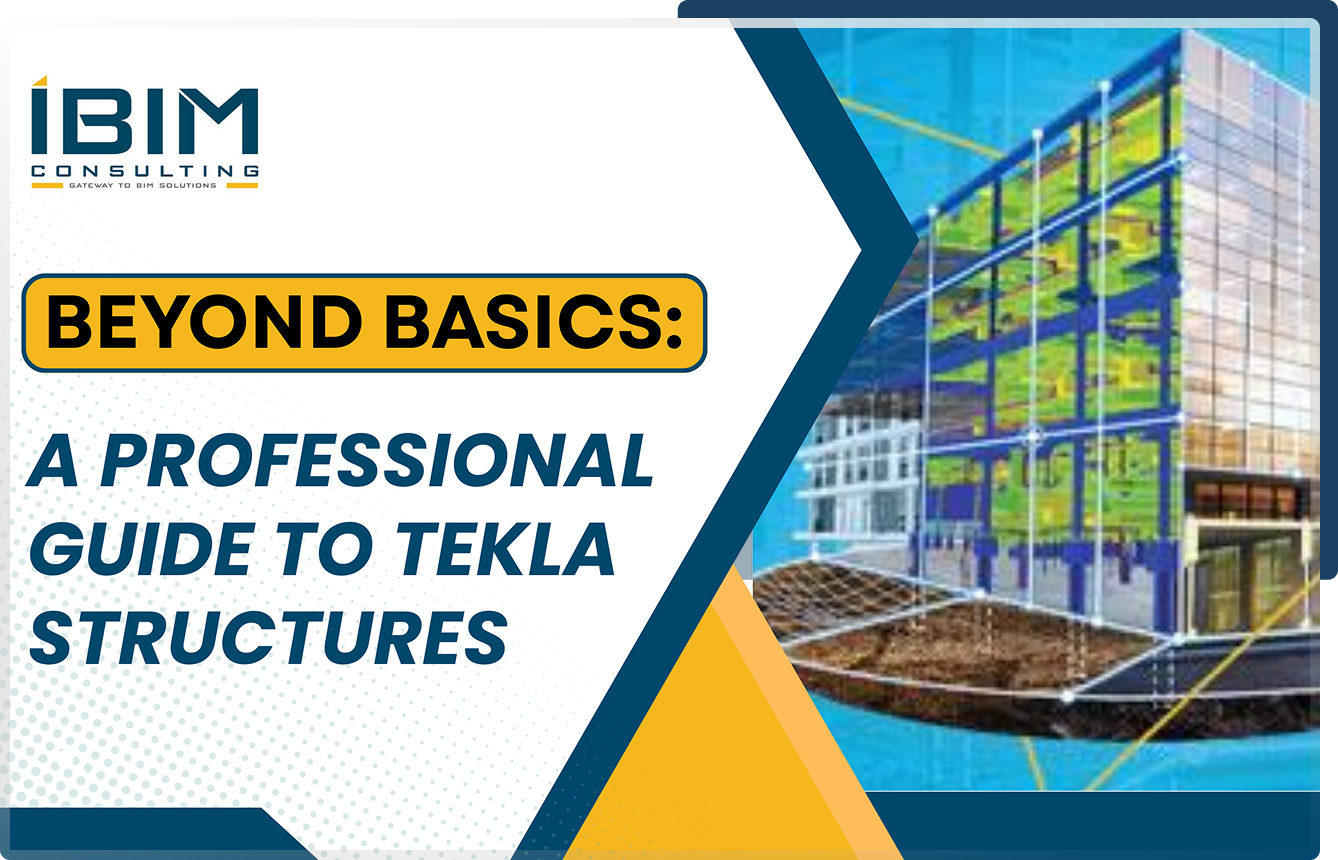
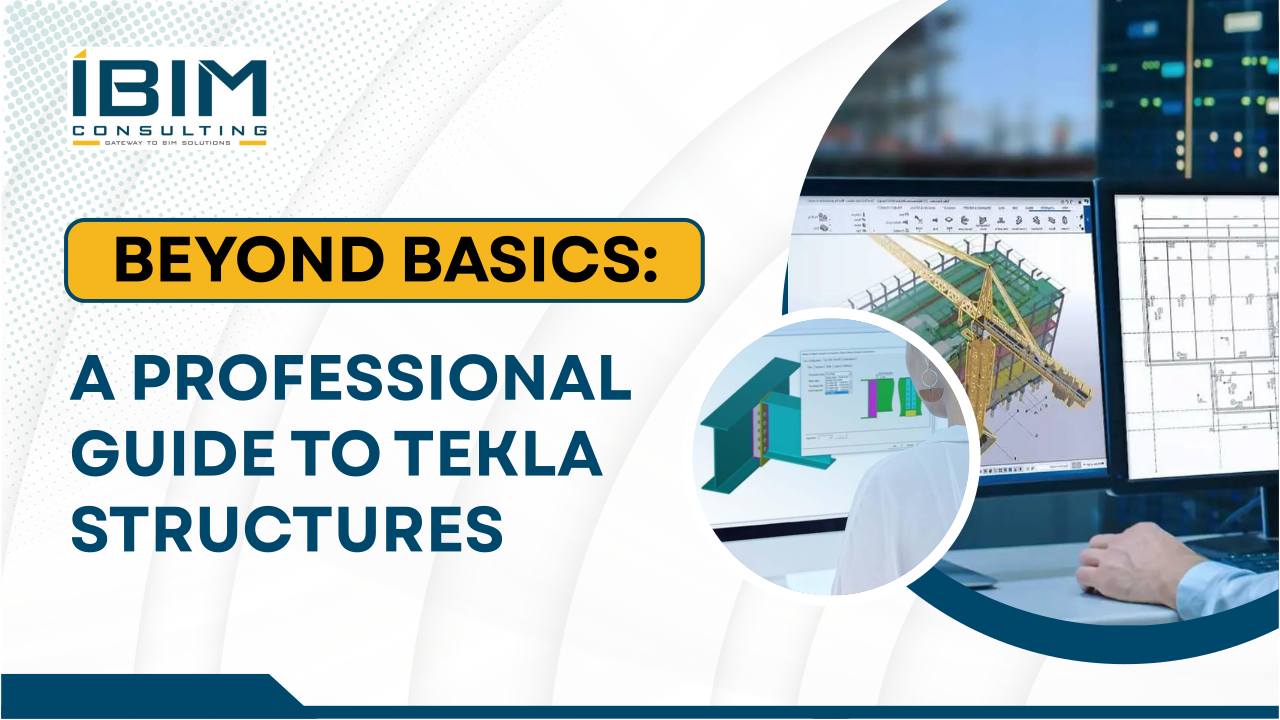
Beyond Basics
Transform your Tekla skills and become a proficient professional in the field with this comprehensive course. Designed for aspiring Tekla users, this course offers essential knowledge and practical skills to boost your efficiency and expertise.
Covering seven vital topics, each module is a game-changer when implemented in daily workflows.

Seamless Connections in Tekla
Welcome to our comprehensive Tekla Structures specifically designed to empower you with the skills to excel in steel connection design. This transformative program covers 20 different types of connections in extensive detail, ensuring that Tekla users can become proficient in creating connections with ease and confidence.
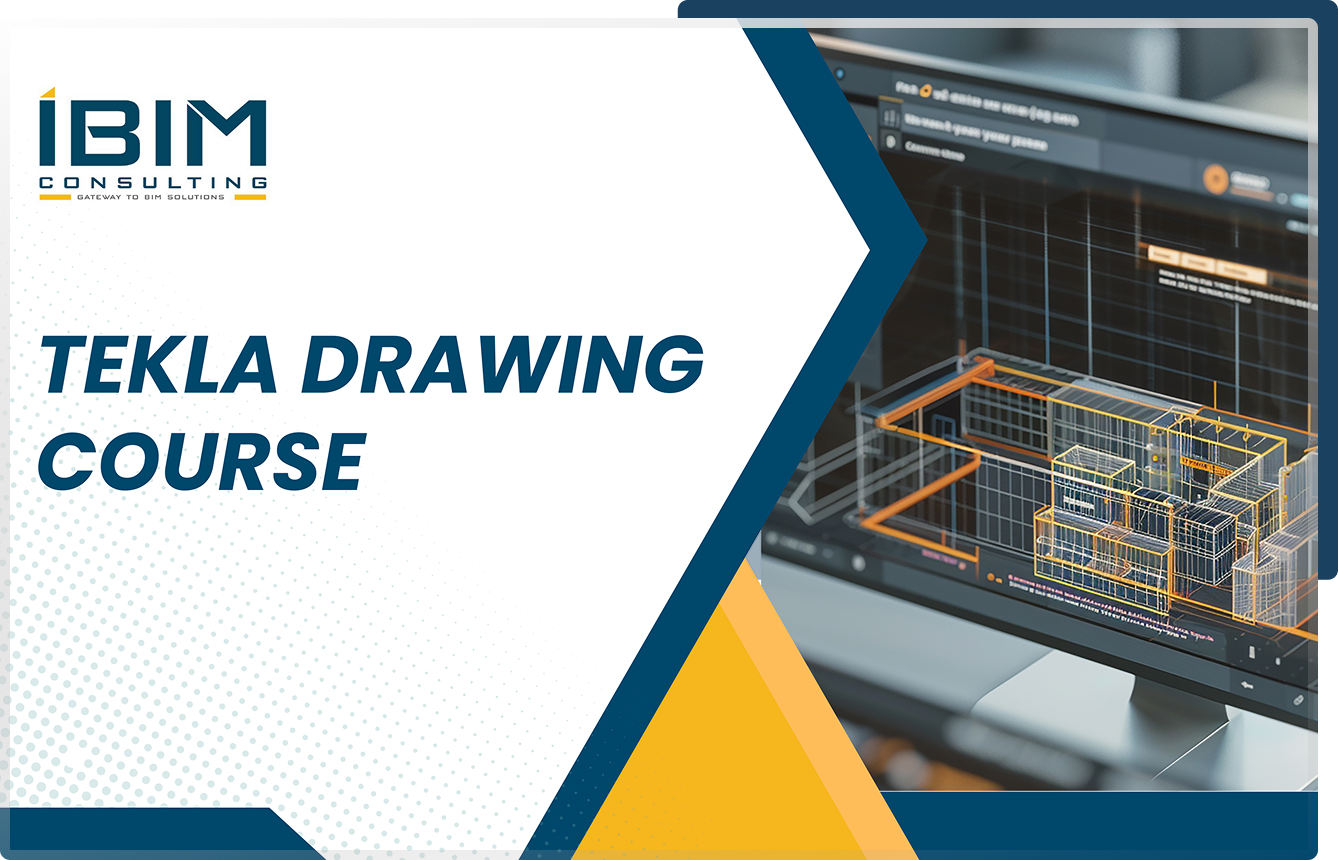
Tekla Drawing
The Tekla Drawing Course offers a comprehensive learning experience for all skill levels, covering document management, drawing setup, object-level settings, and advanced customization.
Designed to build confidence and expertise, it equips users to create precise, high-quality drawings in Tekla, aligning with industry standards through a structured, step-by-step approach.

Tekla Configuration
Welcome to the Tekla software configuration training session, where you will learn how to fine-tune the software settings to harness its full potential. This course will provide you with a comprehensive understanding of the importance of initialization files and guide you in establishing firm folder paths and common default variables for seamless access and efficient workflows.

Tekla Tips and Tricks
Discover the power of Tekla with over 50 expertly crafted Tips and Tricks videos, covering modelling, connections, drawings, reports, and hidden features. These concise and practical tutorials are designed to upskill users of all levels, offering valuable insights to streamline workflows, boost productivity, and unlock Tekla's full potential.
Perfect for learning on the go, these videos empower you to tackle challenges confidently, enhance precision, and stay ahead in the competitive world.
Tekla Open API For Beginners
Tekla OpenAPI Developer course, specifically designed to empower you with the skillset to become a developer. This course covers 52+ video lessons covering fundamentals, ensuring that you gain good understanding to step towards intermediate learning.
Benefits of the Course
ARE YOU SECRETLY WORRIED ABOUT FUTURE-PROOFING YOUR SKILLSET & CAREER AS A TEKLA STRUCTURAL DETAILER?
We help you set your career in the right path to become a skilled Tekla User. What you gain from the course.

A SKILL SET THAT CAN’T BE MATCHED
You may be out-resourced and out-experienced, yet you can still outshine the giants by thinking differently and creating your own “Tekla mastery stack”. Now you’ll use our exact playbook to do the same in your field. No extensive background required, just dedication and an unbeatable desire to excel.

ENJOY TRUE FREEDOM & FLEXIBILITY
Most engineers stick to the basics, not exploring beyond. That’s what happens when you don’t know how to leverage Tekla to its full potential. You’re compared to everyone else and your competitors outpace. Not you. Our course will help you develop skills centered around value, true dream capabilities in engineering.

SLEEP BETTER KNOWING
The project's complexity doesn’t matter and your competition doesn’t matter. Because our guide will help you innovate, not wait to replicate when it’s already too late. Instead, you’ll always be a step ahead while everyone else is trying to keep up. There’s no better feeling in the engineering world.

Boost Productivity
Discover how to automate repetitive tasks, saving time and improving accuracy. With this course, you'll learn techniques to automate drawing generation, helping you meet tight deadlines. Automation tools reduce manual errors and free up time for more complex tasks. You'll significantly enhance your productivity and streamline your drawing workflows.

Elevate Career Opportunities
By upskilling your knowledge, you'll gain a competitive edge in the industry. The course provides a deep understanding of both basic and advanced features, making you a versatile professional. By acquiring comprehensive knowledge, you'll be sought after for critical roles. This skillset opens doors to more advanced career opportunities and project leadership roles.
Our Course Benefit
THIS TEKLA STRUCTURES COURSE WILL HELP YOU…
Benefits for Beginners
Strong Foundation in Tekla Structures – Learn essential tools, navigation, and modeling techniques to build a solid understanding of Tekla.
Step-by-Step Learning Approach – Follow structured lessons with guided exercises, making it easy to grasp complex concepts at your own pace.
Hands-On Practice for Real-World Projects – Work on practical exercises and case studies to gain confidence in using Tekla for professional projects.
Avoid Common Beginner Mistakes – Learn best practices and troubleshooting techniques to prevent errors and improve model accuracy.
Boost Productivity with Smart Tools – Discover shortcuts, filters, and automation features to speed up modeling and detailing tasks.
Career Advancement & Certification – Earn a recognized certificate upon completion, enhancing your job prospects in BIM and structural detailing.
Benefits for Experienced Users
Master Advanced Tekla Features & Customization – Learn to configure custom components, automate workflows, and optimize drawing layouts for project-specific needs.
Increased Productivity & Workflow Efficiency – Use automation, shortcuts, and efficient model checking to reduce manual work and speed up project execution.
Seamless Integration with Team Workflows – Set up firm folders, shared templates, and Trimble Connect for smooth collaboration and standardized project settings.
Problem-Solving & Troubleshooting Expertise – Gain the skills to resolve configuration issues, migrate settings, and optimize Tekla shortcuts for seamless performance.
Precision & Quality in Structural Detailing & Connections – Improve model accuracy, refine drawings with object-level settings, and ensure high-quality fabrication outputs.
Career Growth & Industry Recognition – Earn certification, enhance technical expertise, and increase job opportunities by mastering advanced Tekla workflows.
Benefits for Beginners
- Strong Foundation in Tekla Structures – Learn essential tools, navigation, and modeling techniques to build a solid understanding of Tekla.
- Step-by-Step Learning Approach – Follow structured lessons with guided exercises, making it easy to grasp complex concepts at your own pace.
- Hands-On Practice for Real-World Projects – Work on practical exercises and case studies to gain confidence in using Tekla for professional projects.
- Avoid Common Beginner Mistakes – Learn best practices and troubleshooting techniques to prevent errors and improve model accuracy.
- Boost Productivity with Smart Tools – Discover shortcuts, filters, and automation features to speed up modeling and detailing tasks.
- Career Advancement & Certification – Earn a recognized certificate upon completion, enhancing your job prospects in BIM and structural detailing.
Benefits for Experienced Users
- Master Advanced Tekla Features & Customization – Learn to configure custom components, automate workflows, and optimize drawing layouts for project-specific needs.
- Increased Productivity & Workflow Efficiency – Use automation, shortcuts, and efficient model checking to reduce manual work and speed up project execution.
- Seamless Integration with Team Workflows – Set up firm folders, shared templates, and Trimble Connect for smooth collaboration and standardized project settings.
- Problem-Solving & Troubleshooting Expertise – Gain the skills to resolve configuration issues, migrate settings, and optimize Tekla shortcuts for seamless performance.
- Precision & Quality in Structural Detailing & Connections – Improve model accuracy, refine drawings with object-level settings, and ensure high-quality fabrication outputs.
TESTIMONIALS

"I have known Sriram for 6 years, we first met during his building point days when our company contracted him to help upgrade our system from the older 21.1 version to 2019. Apart of that process, we came up with many concept ideas to help streamline our workflow. I am proud to say Sriram's help increased our productivity. I wouldn't hesitate to
recommend Sriram. 10/10"
Scott Webber
Drafting Supervisor - Structural Design & Detail
"Drafting Supervisor - Structural Design & Detail
at Williams River Steel Sriram helped me back in 2017 when we first purchased Tekla, and from our initial training session together, through to continued help with customization, he's been an invaluable source of knowledge for our business, and will continue to be."
Nick Selby
Owner, 3D Mech Designs pty ltd
"If you're looking for an expert in the field, Sriram is your guy. His knowledge of Tekla is second to none. With his help, we were able to optimise efficiencies within the program and were able to speed up processes within the company
tenfold. If there are areas in your setup where efficiencies may be gained, don't hesitate to contact Sriram today."
Aidan Chu
Drafting Manager and Systems Developer
"I have great confidence in recommending Sriram for his skills and knowledge of TeklaStructures. Whether it be as a user of the program, trainer of the program or custom developer of the program. Sriram has setup several custom components for me over the last year which have been a real time saver.
Regards Colin Parkes"
Colin Parkes
Current Engineering & Drafting
FREQUENTLY ASKED QUESTIONS
Who are these courses for?
Our courses are designed for structural engineers, BIM professionals, steel detailers, and Tekla users of all experience levels. Whether you're a beginner or an advanced user, we have a course tailored for you.
What do I need to start a course?
Basic knowledge of Tekla Structures is recommended for most courses. However, Beginners can enroll in Drawings and seamless connections courses. You will also need access to Tekla software (a license or trial version).
How Long does each course take?
Our courses are self-paced, allowing you to learn at your convenience.
Beyond Basics: 47 Video lessons.
Learning Time:8 to 10 hours.
Seamless Connection: 78 Video lessons.
Learning Time:15 to 20 hours
Comprehensive Drawing Guide: 79 Video lessons.
Learning Time: 15 to 20 hours.
Master Configuration: 24 Video Lessons.
Learning Time:2 to 3 hours.
Tips and Tricks :
50 Video Lessons.
Learning Time: 10 to 12 hours.
Tekla Open API :
Video lessons :
learning Time: 15 to 20 hours.
It varies, depending on your learning speed and practice time.
How are the courses structured?
Each course includes:
Video tutorials explaining concepts step by step.
Hands-on exercises for practical learning.
Quizzes and assessments to reinforce understanding.
What kind of support is available during the course?
We provide multiple support options:
Discussion forums for student interactions.
Monthly live Q&A sessions with experts.
Email support from instructors.
Can I download course materials for offline use?
Yes, PDF guides, templates, and reference materials are available for download. However, video lessons remain online.
How do these courses help in real-world projects?
Our courses teach practical, job-ready skills, helping you:
Create precise Tekla models and drawings.
Optimize workflows with automation tools.
Apply industry-standard techniques for detailing and fabrication.
How long do I have access to the course?
You get lifetime access, including all future updates to the course materials
What if I’m not satisfied with the course?
We offer a 7-day money-back guarantee deducting international transfer fee, if you are not satisfied.
How do I enroll in a course?
Simply sign up on our website, complete the payment, and start learning immediately. See the courses here: https://courses.ibimconsulting.com.au/
How do I access to the course after enrollment?
You will receive email with credentials to userid and password.
Login url: https://login.ibimconsulting.com.au/
Five Reasons Our Courses are Must for Tekla Users
Simplifies Complex Tools
IBim Consulting's training simplifies Tekla's advanced tools, making complex functionalities easy to understand, saving time, and boosting confidence for all users.
Enhances Document Management
Learn efficient document management techniques, including advanced setups and templates, to ensure consistent, accurate, and professional project documentation with IBim Consulting's training.
Customize Your Software
Tailor Tekla to your needs with IBim Consulting's courses, focusing on the customisation of templates, attributes, and workflows for enhanced usability and project alignment.
Optimizes Productivity
Boost productivity with time-saving techniques, automation tools, and efficient workflows taught in IBim Consulting's practical, results-driven Tekla training courses.
Ensures Professional Standards
IBim Consulting's training helps you achieve industry standards, delivering precise designs and documentation, and fostering expertise for career growth and professional recognition.
